Seamless Communication
Global Impact
Send us a message
Please feel free to send us any questions, enquiries or suggestions you might have.
Transform the way your customers shop. Build a WhatsApp store, showcase products with rich catalogues, automate checkout flows, and drive more revenue directly on WhatsApp.

25,000+ Businesses Across the Globe Trust










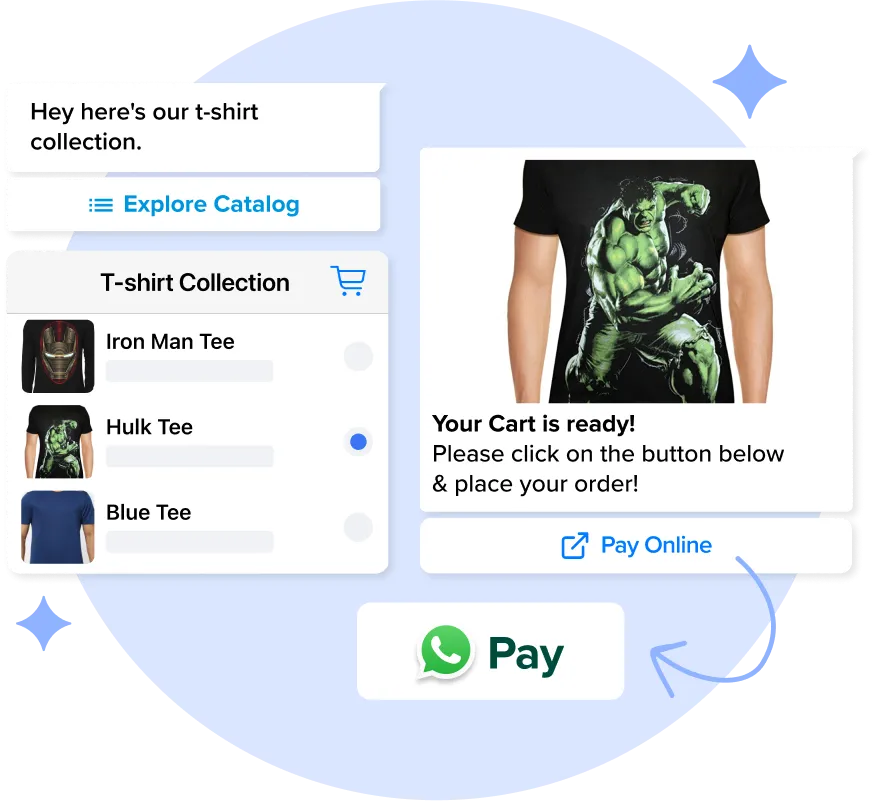
Streamline the checkout experience. Receive payments directly inside WhatsApp no redirects, no friction. Customers can browse products, add to cart, and complete payment without ever leaving the chat. Supports UPI, cards, net banking, and more.
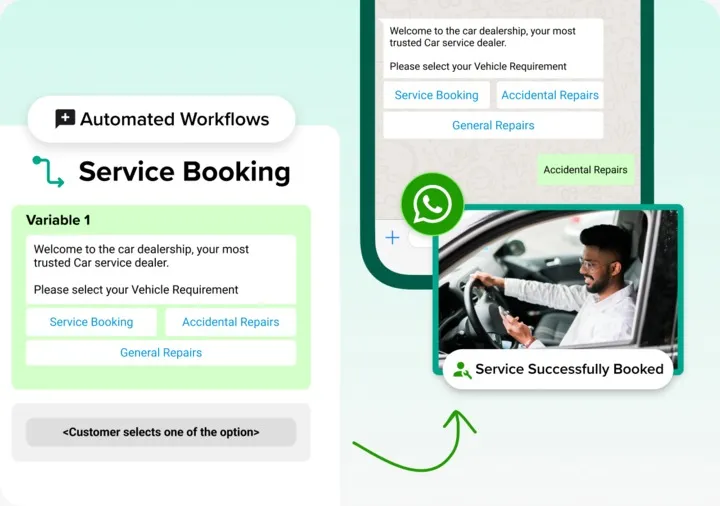
Create automated conversation flows to guide your customers from discovery to purchase. The no-code Flows builder helps you design interactive journeys that nurture leads and drive conversions automatically, 24/7.
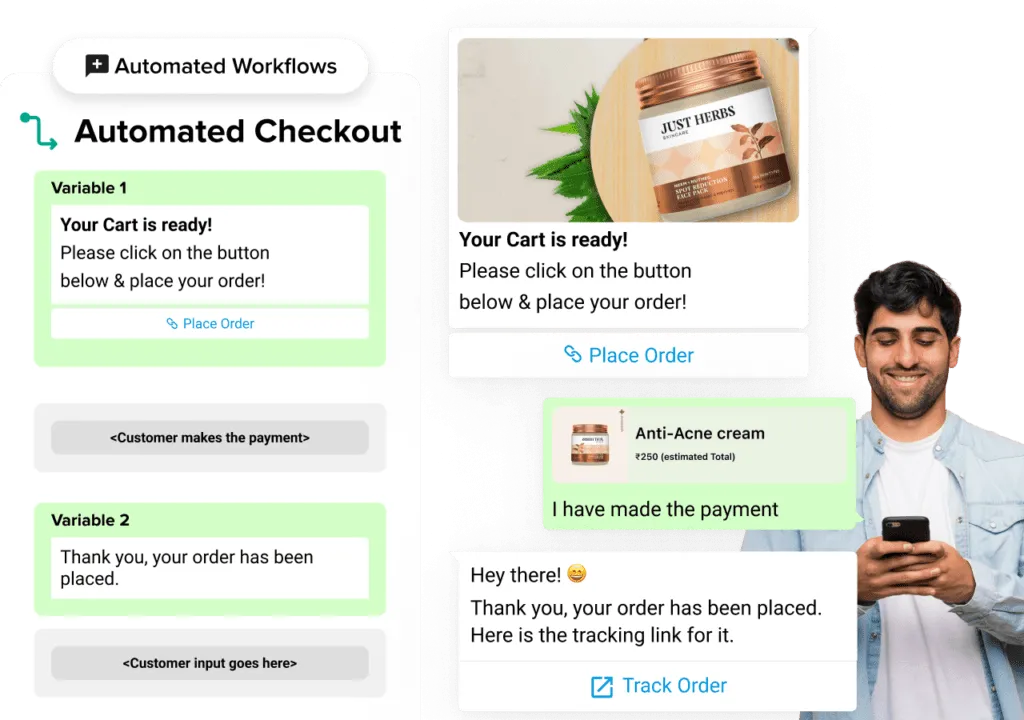
Automate key e-commerce interactions on WhatsApp for shopping and checkout flows. Send payment confirmation, order status updates, and shipping updates directly to customers on WhatsApp.
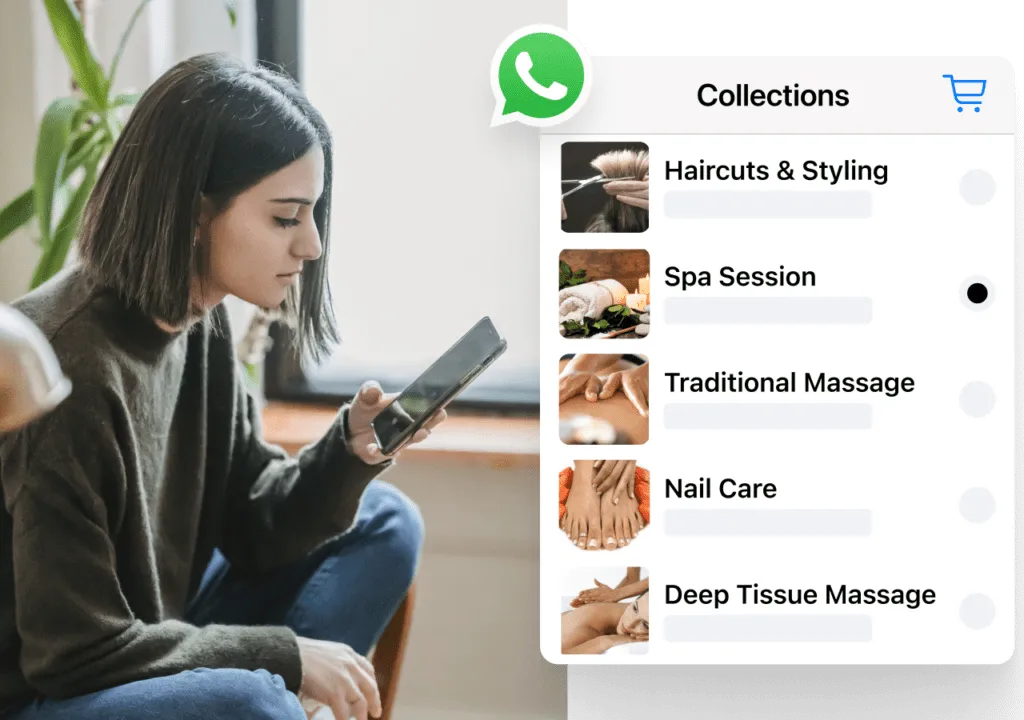
Organise your products into neat WhatsApp catalogue collections or effectively your catalogue. Create collections to make purchasing smoother and make browsing products in your e-commerce easy.
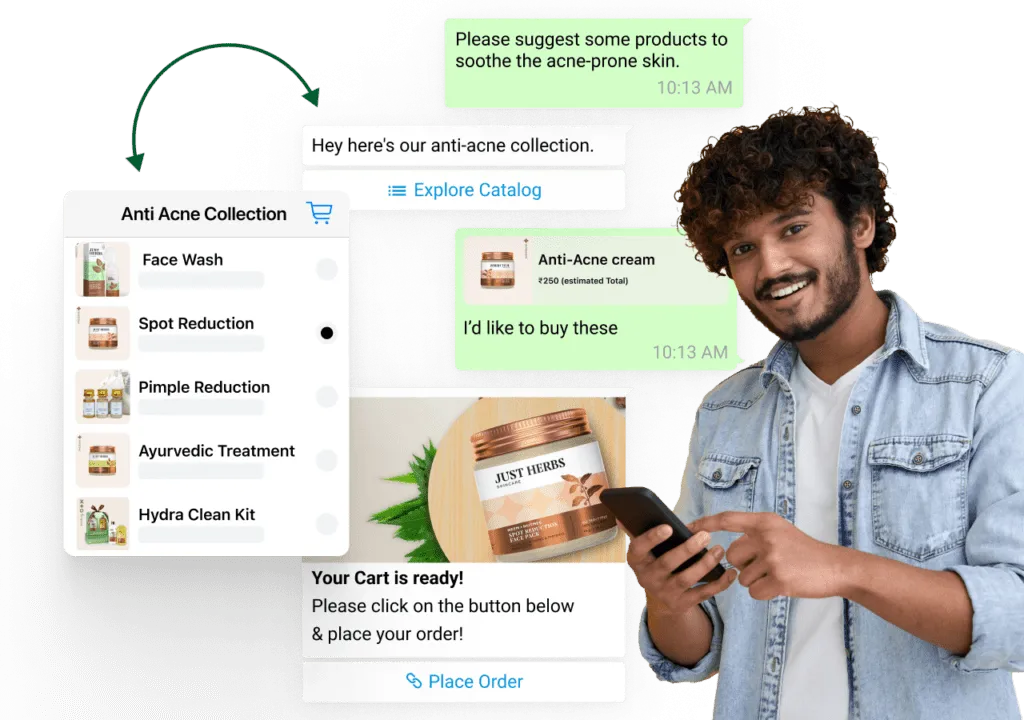
With a WhatsApp store, you can be able to reach your target audience with time-relevant and personalised custom catalogs from the most comprehensive inbox tool in your business.
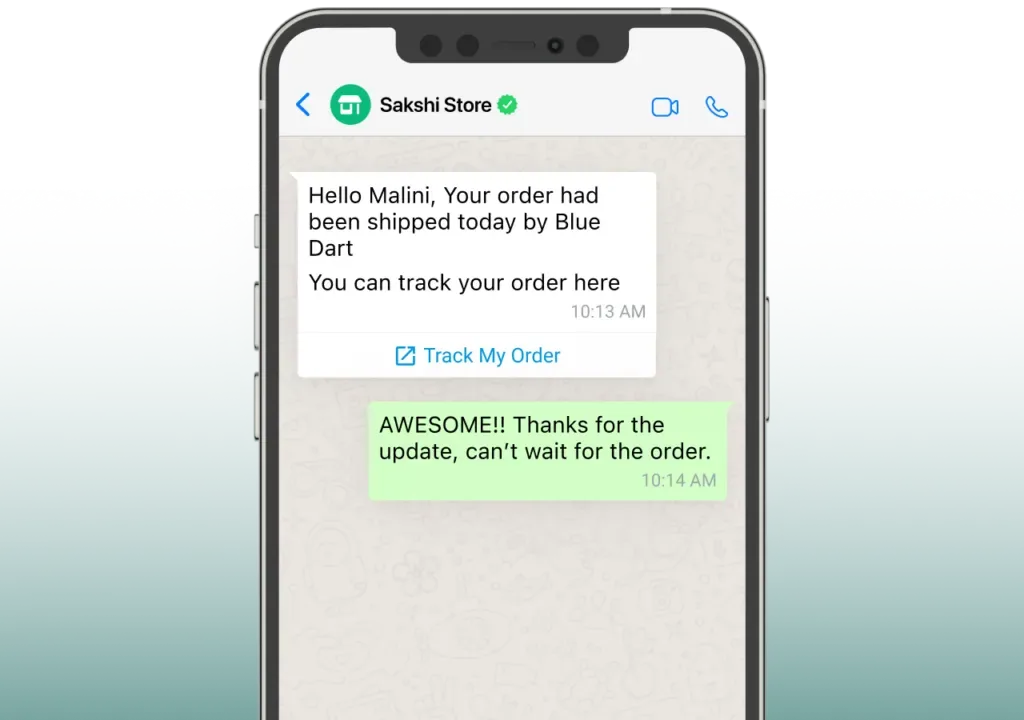
you can now send product catalogs directly from within your WhatsApp campaigns or auto-replies. This means now you can now seamlessly send product catalogs as part of your campaigns or auto replies.
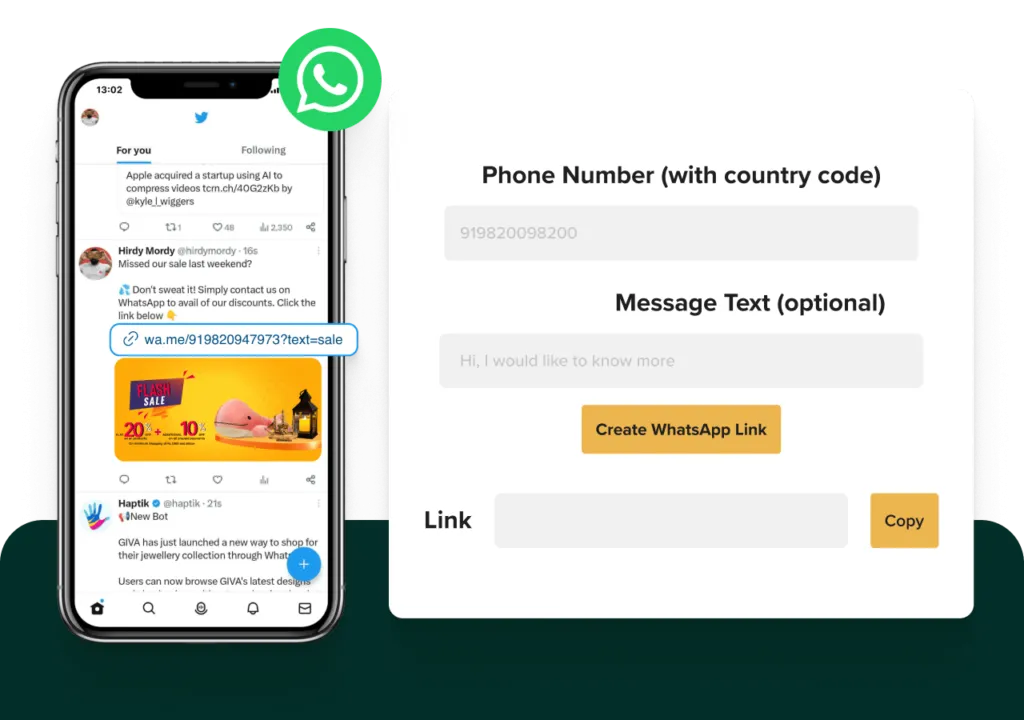
You can send products and product catalogs as part of one time or ongoing campaigns from your 'Templates' section. You can even A/B test catalogues with your audience. Simply create or browse through the catalog in the templates menu.
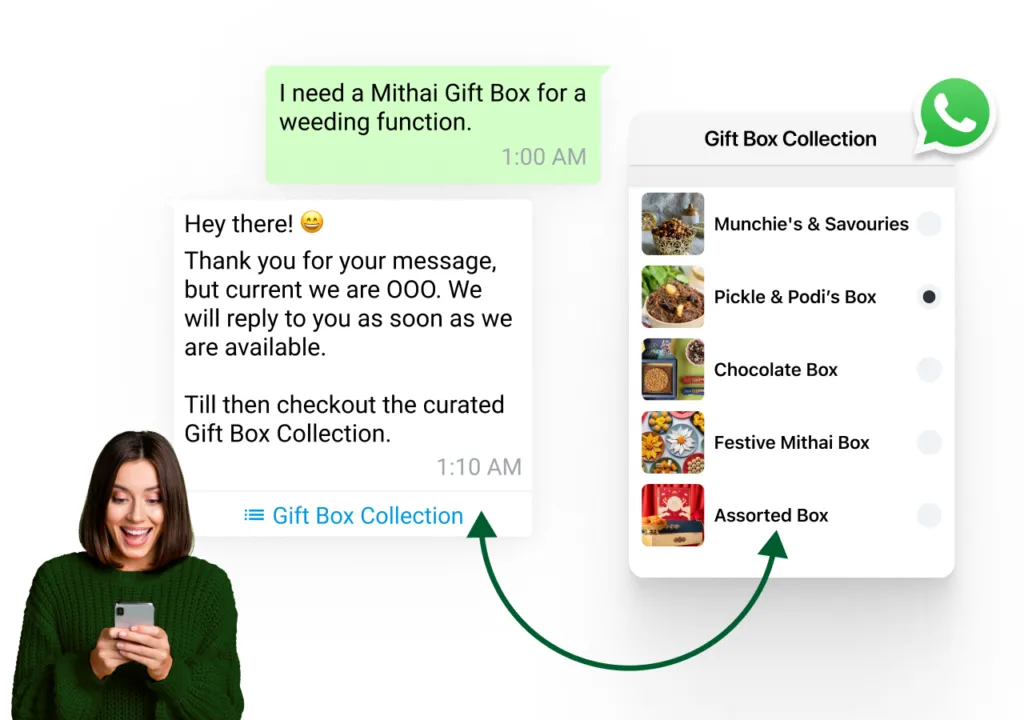
You can also include products and catalogs as part of auto-replies to your customers. Use the auto-reply catalog feature to create automated catalog replies for every possible customer touchpoint. You can also create catalog auto-replies based on keywords and customer attributes.
Everything you need to run a full commerce experience inside WhatsApp from discovery to delivery.
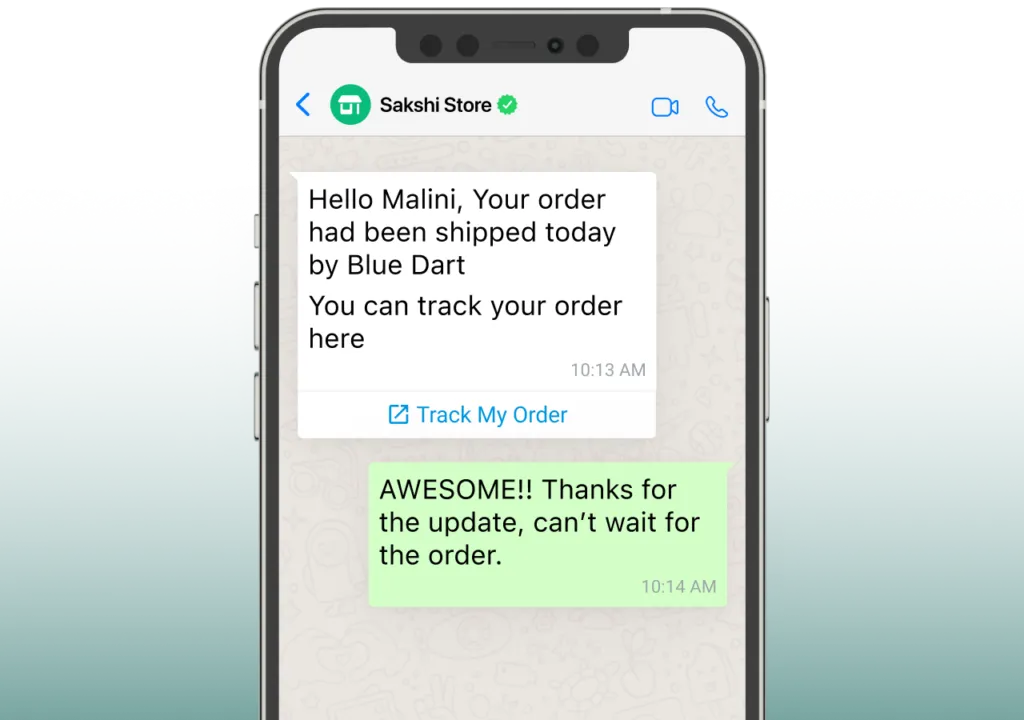
Enable customers to seek product details, from availability to sizes and colours, all within the convenience of WhatsApp. This facilitates rapid and direct communication for a seamless shopping experience.
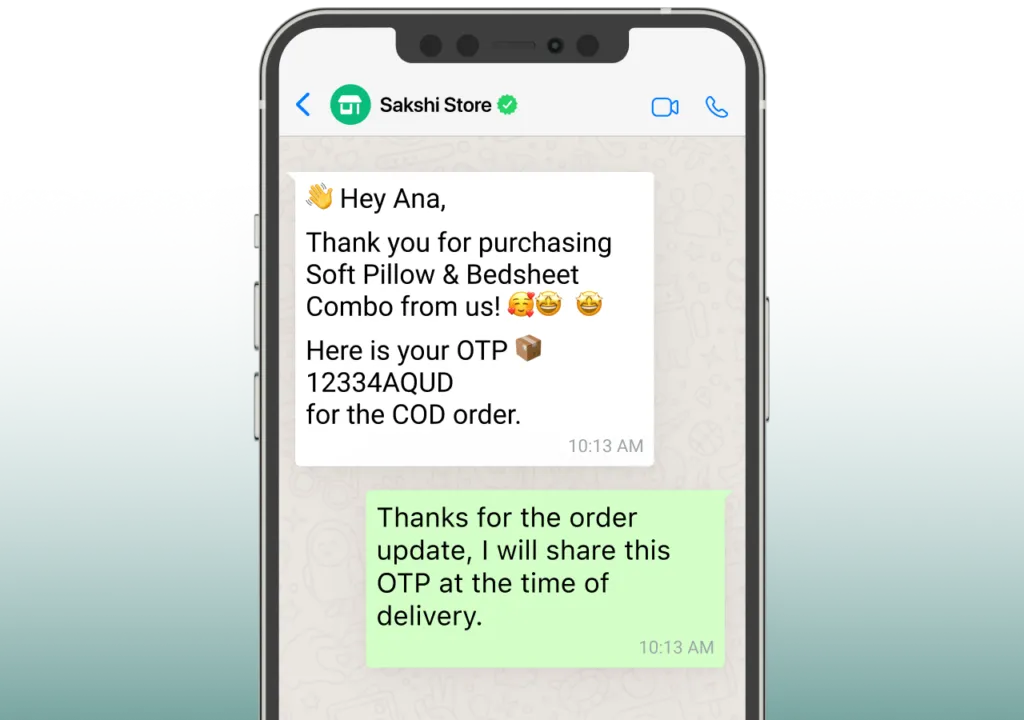
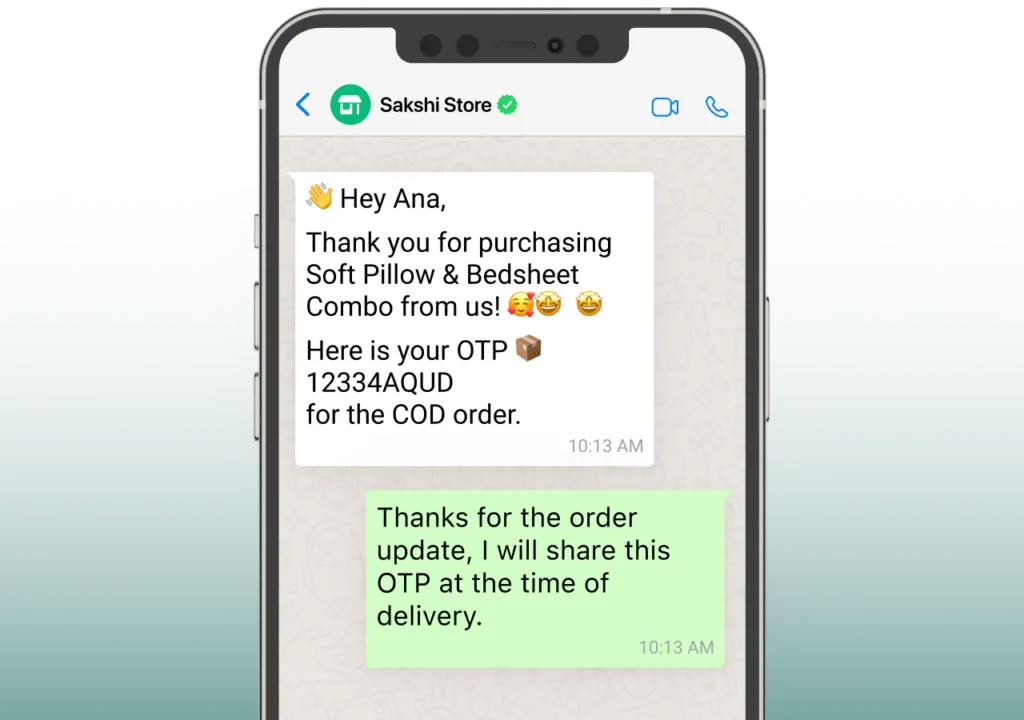
Facilitate customers in placing orders directly within WhatsApp, enabling them to specify product quantities and preferences with ease. Simplify the end-to-end shopping experience by eliminating the necessity to visit separate websites.
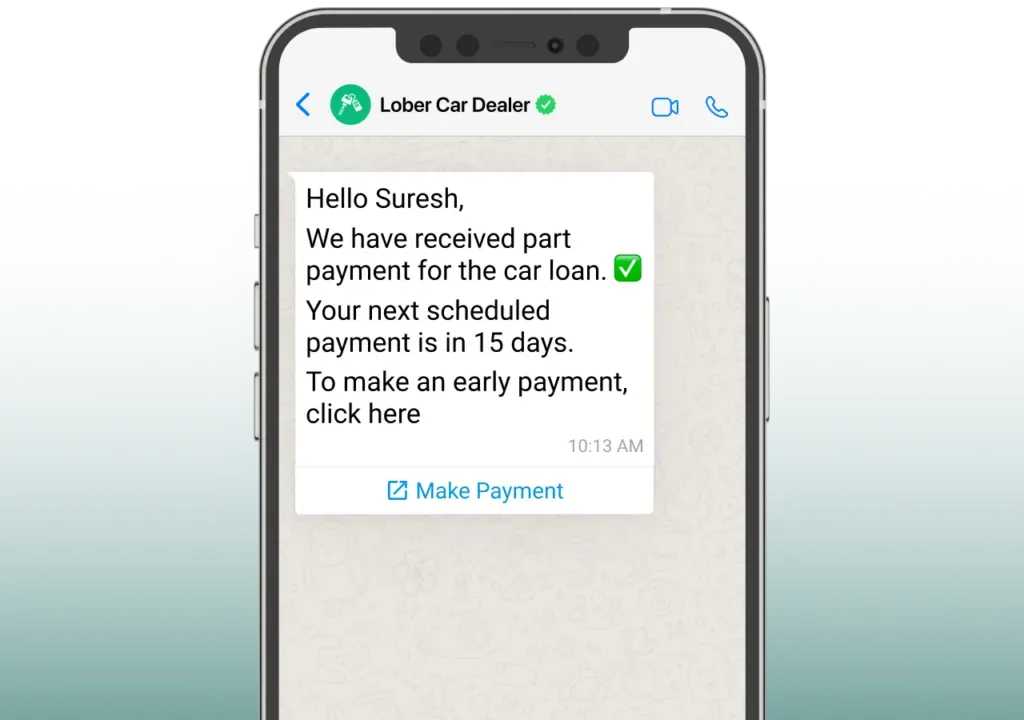
Empower customers to purchase and complete transactions right in the WhatsApp chat window. Integrate payment gateways seamlessly, including WhatsApp Pay.
Stay connected with your customers & offer instant order updates and shipping status notifications. Ensure a hassle-free ordering experience and round-the-clock query resolution with intelligent automation solutions.
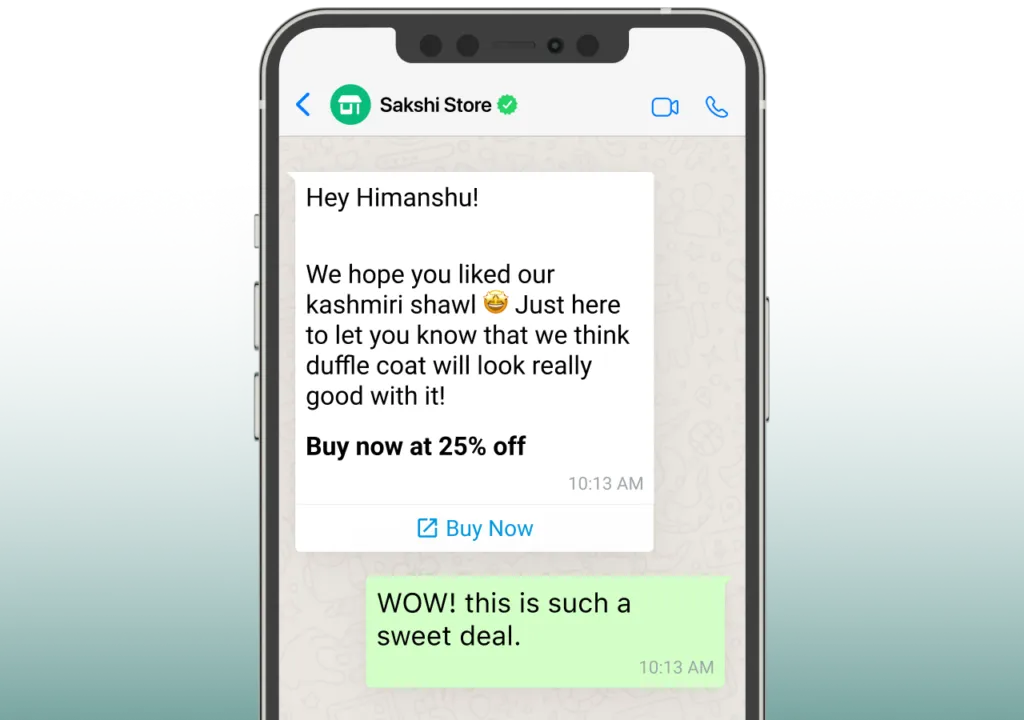
Optimise your communication strategy to deliver personalised customer interactions, including customised product recommendations based on past purchases and browsing habits to boost customer satisfaction & retention.
WhatsApp Commerce is a business strategy that leverages the WhatsApp platform to connect with customers, showcase products, and facilitate transactions. WhatsApp commerce grows your businesses to engage with their audience, answer queries, and offer a seamless shopping experience within the WhatsApp messaging app.
To categorize products into WhatsApp Collections, you can use WhatsApp's catalog feature. Simply organize your products into different catalog categories, making it easier for customers to browse and find what they need.
A WhatsApp Catalog is a tailored product showcase that you can create to highlight specific items or promotions. You can create one by using your WhatsApp Business account.
To set up automated checkout workflows, it is mandatory to configure WhatsApp Business API to your WhatsApp Business account. WhatsApp checkout workflow can guide customers through the checkout process, provide order updates, and even collect payments seamlessly.
Yes, many automated checkout solutions for WhatsApp are designed to collect payments securely. They can integrate with payment gateways to facilitate seamless transactions.
With automated checkout workflows, you can configure the system to place order on WhatsApp, get order updates, including shipping details and delivery notifications, to customers.
Please feel free to send us any questions, enquiries or suggestions you might have.