Seamless Communication
Global Impact
Send us a message
Please feel free to send us any questions, enquiries or suggestions you might have.
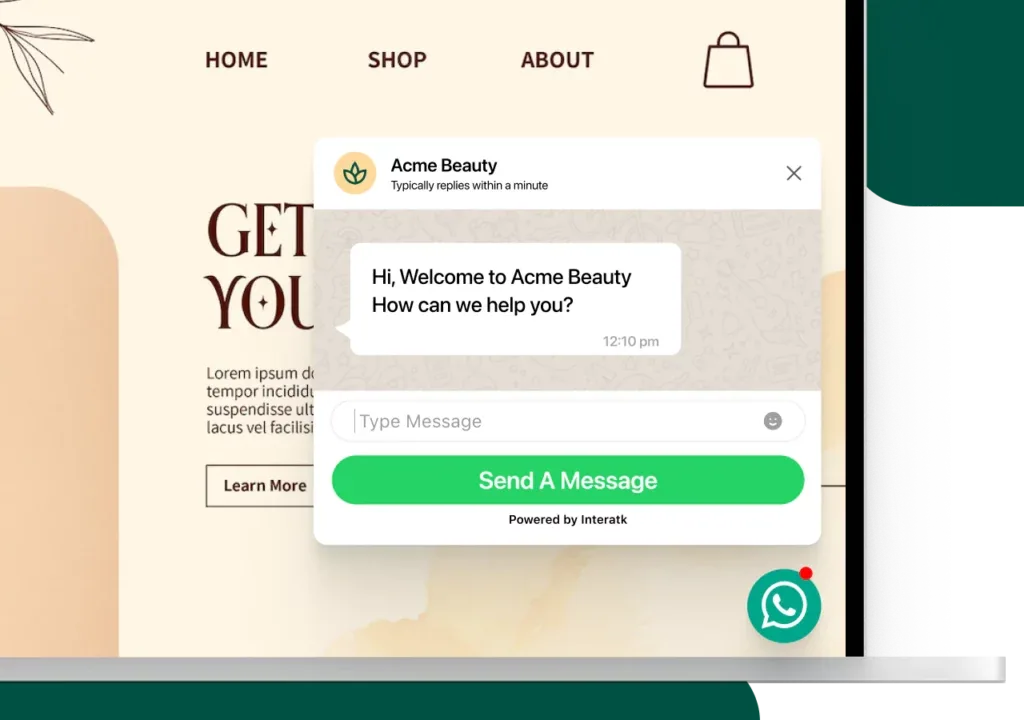
The fastest way to connect with your website visitors and convert them into paying customers.
25,000+ Businesses Across the Globe Trust










Choose from a wide variety of templates or customize one according to your need.
Select a template out of the following options
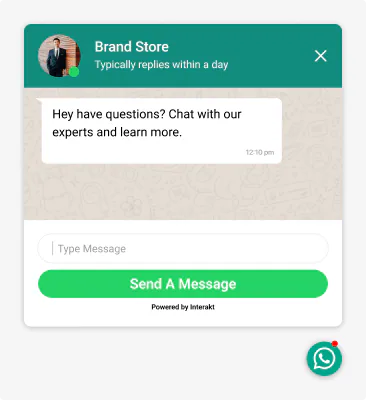
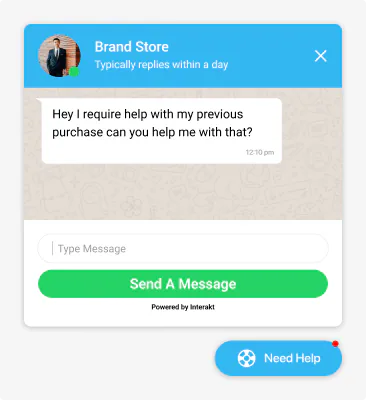
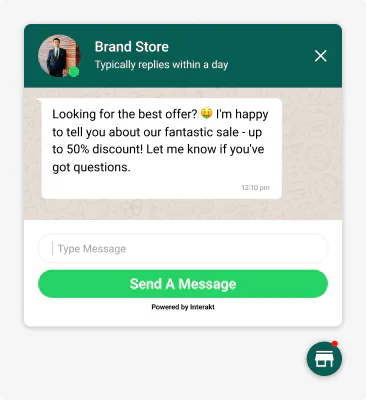
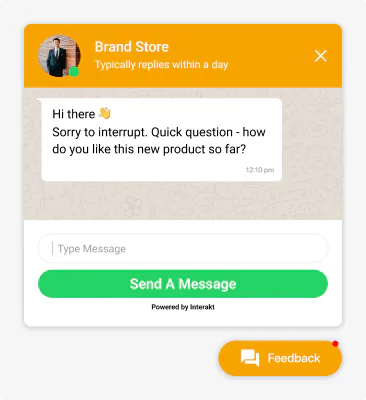
Discover the key features & benefits of the WhatsApp chat widget
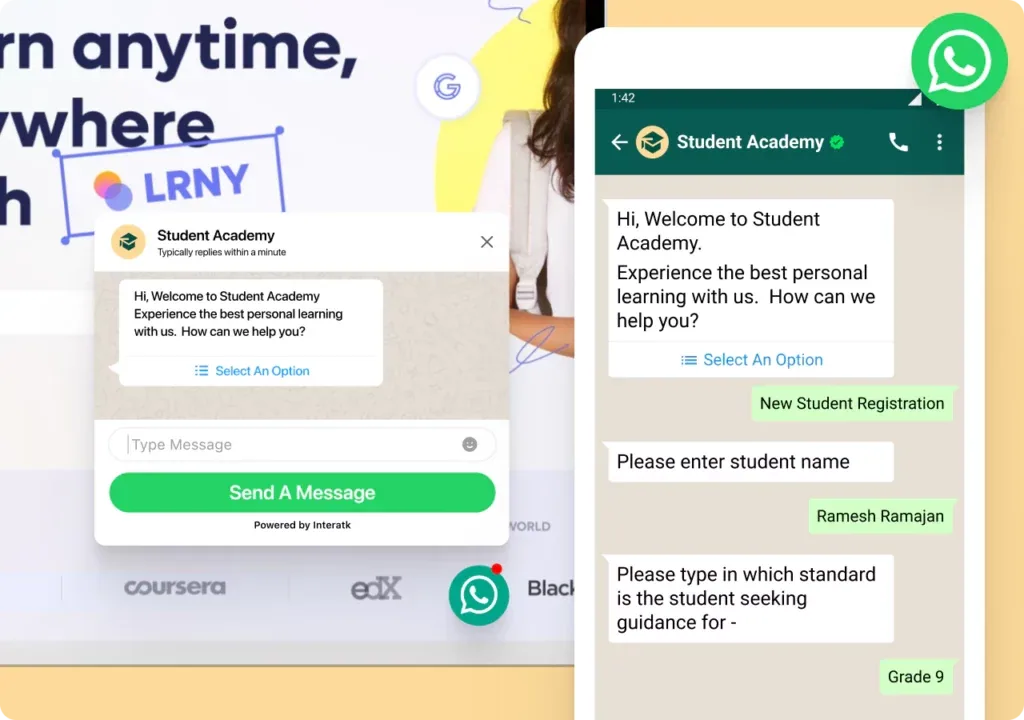
Generate high-intent leads for your business
No technical knowledge needed just enter your number and get shareable links and scannable QR codes in seconds.
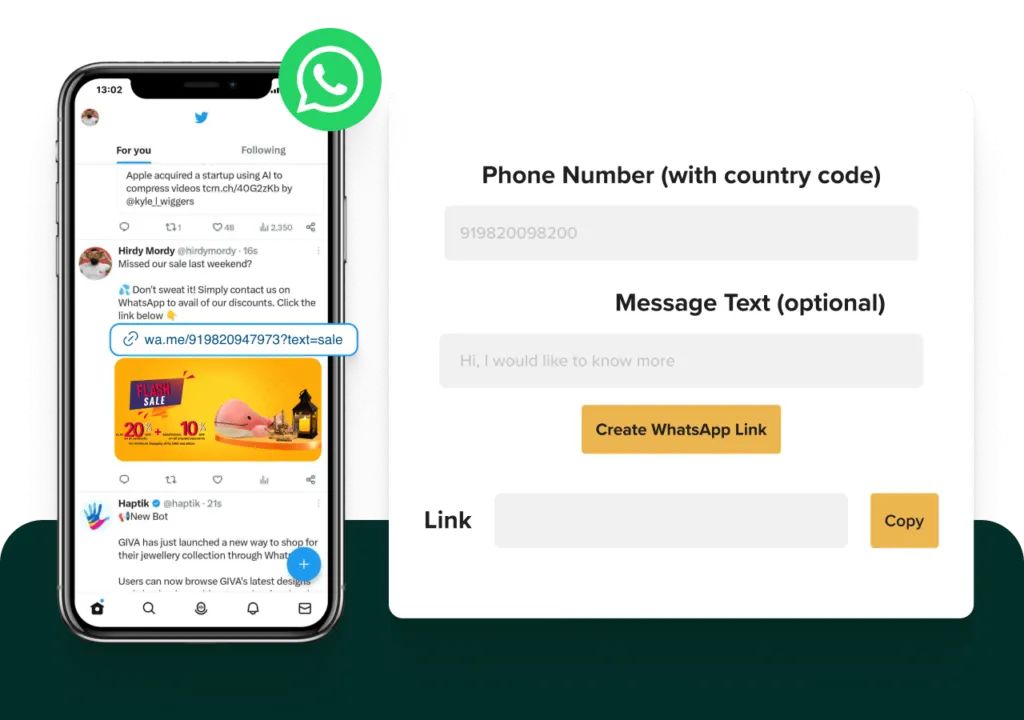
Create free WhatsApp chat links for your WhatsApp Business number and share them on your Instagram bio, Facebook and Twitter feeds, and Initiate conversations with customers to drive conversions.
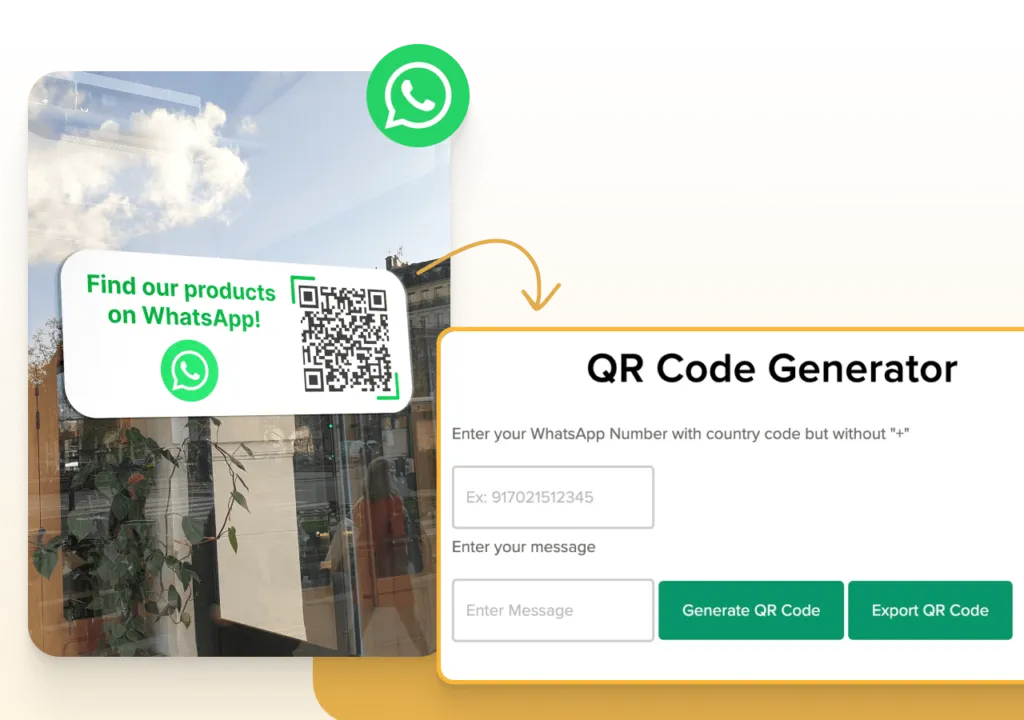
Generate a free WhatsApp QR code for your WhatsApp Business number and use it on your social media images, sticker decks, websites, printed material or anywhere for your customers to scan and directly initiate a chat on WhatsApp.
Everything you need to know about the WhatsApp widget
WhatsApp chat widget allows you to integrate WhatsApp messaging functionality directly into your website or app. With a chat widget, your customers can easily start a conversation with your business without having to leave your website or switch to a separate messaging app.
WhatsApp chat widget works by embedding a small window on your website or app that displays a chat icon or button. When a user clicks on the button, they are taken to a WhatsApp chat window where they can start a conversation with your business.
A floating widget is a type of chat widget that remains visible on your website as a user scrolls through your content. This ensures that the chat widget is always accessible to your customers, even if they have scrolled past the initial point of contact.
Click-to-chat links are clickable links that allow users to initiate a conversation with your business on WhatsApp directly from social media platforms such as Facebook or Instagram. These links can be added to your social media profiles, posts, or ads to make it easy for customers to contact you.
To add chat buttons to social media ads, you can create a click-to-chat link and include it in your ad copy or call-to-action. When users click on the chat button, they will be directed to a WhatsApp chat window where they can start a conversation with your business.
To add a WhatsApp chat button you can use a tool that provides a code snippet to embed on your website. After customizing your chat widget, you can copy the code snippet and paste it into the HTML code of your website. Once you have saved the changes, the chat widget will be visible on your website, and customers can use it to initiate conversations with your business on WhatsApp.
Please feel free to send us any questions, enquiries or suggestions you might have.